Create your account
Sign up, confirm your e-mail address and sign in to REM Vibe Coder with your REM account.
REM Vibe Coder has no passwords of its own. You sign up, sign in and reset your password with your REM account, on REM Auth's pages at auth.remplatforms.com. The same account works in every REM product (REM CloudHub, REM Payments, REM Blogs).
Sign up
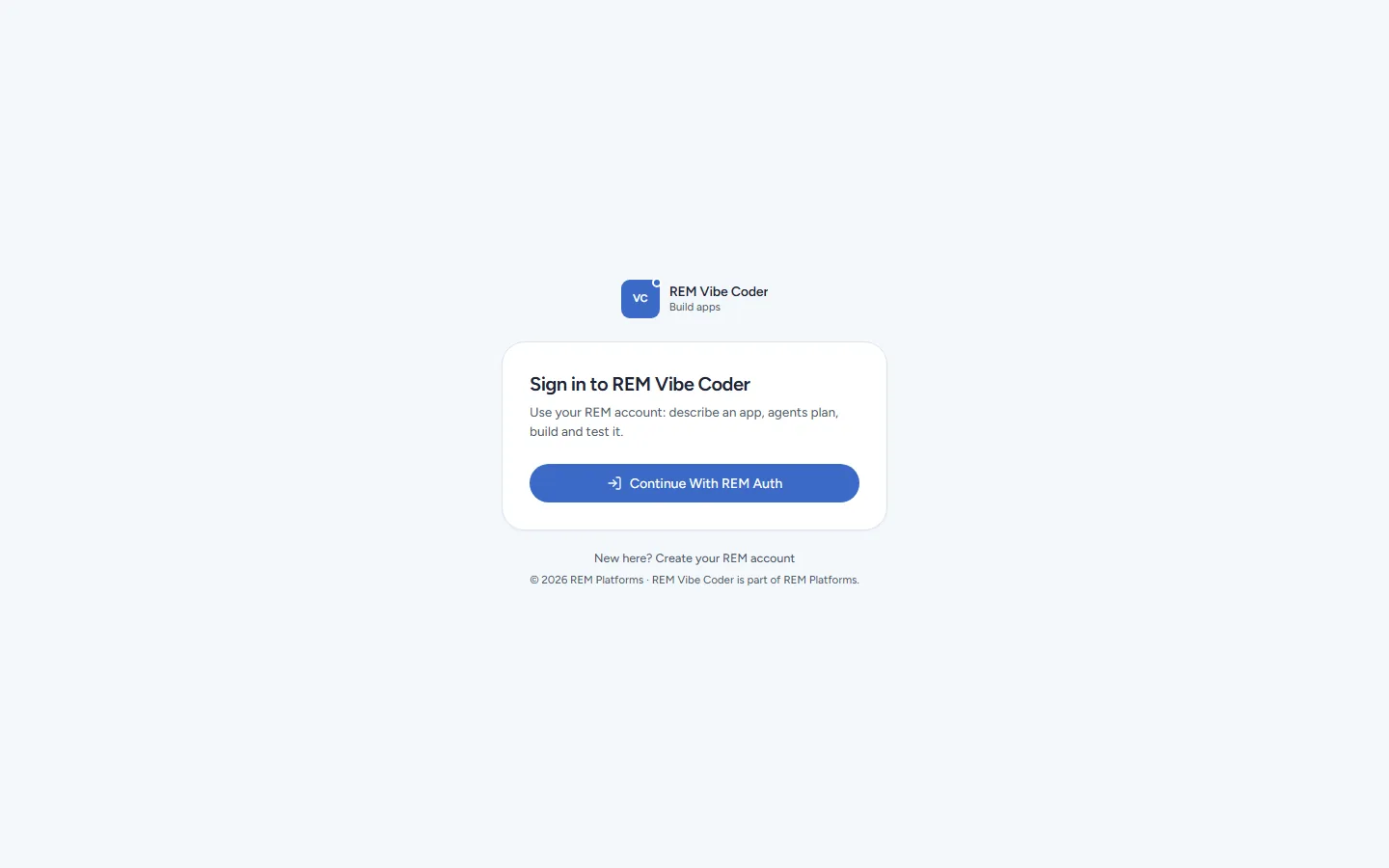
Open remvibecoder.com/login and click New here? Create your REM account (or go straight to remvibecoder.com/signup).
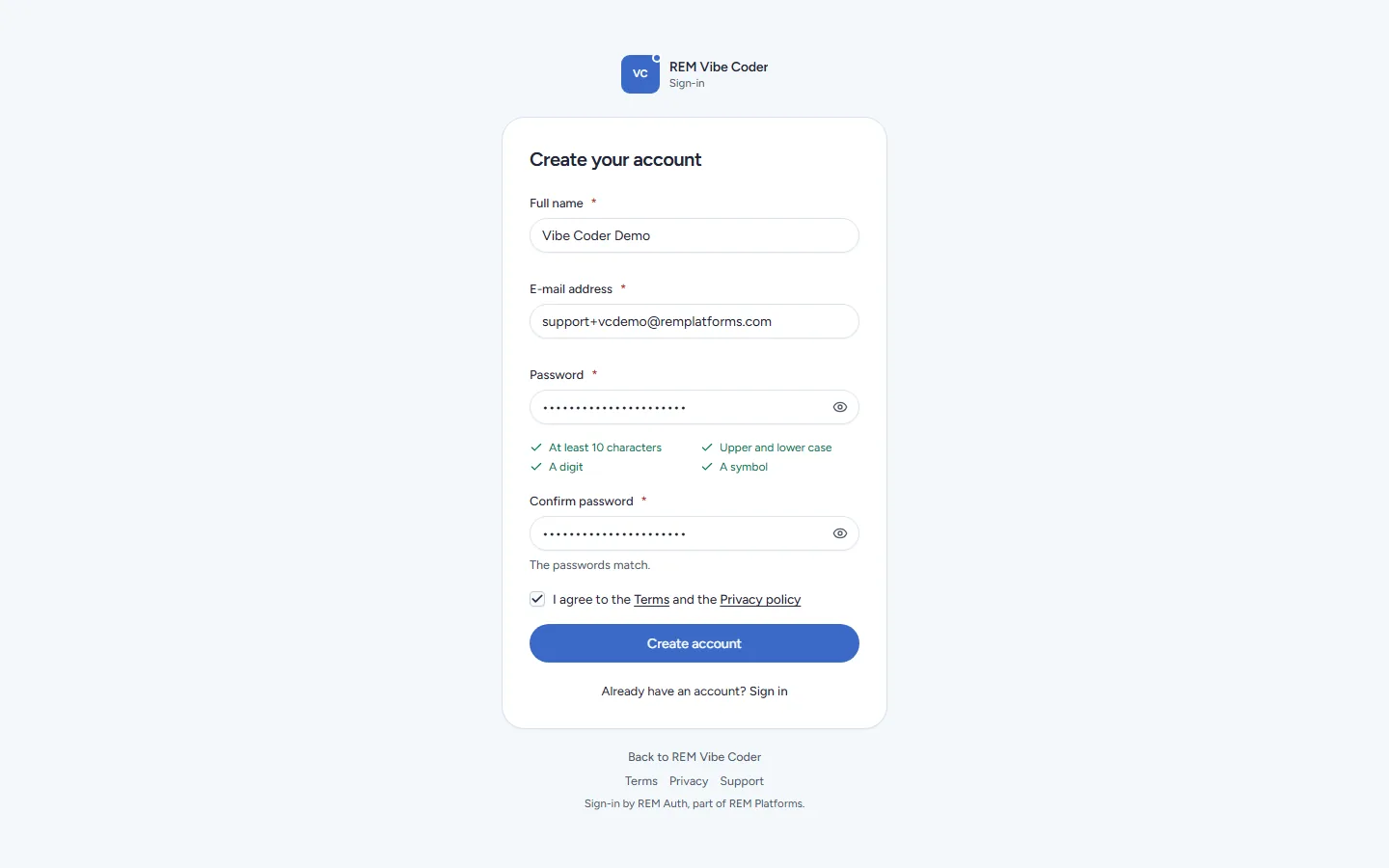
REM Auth's Create your account page opens, branded REM Vibe Coder. Fill in:
Full name
E-mail address
Password: at least 10 characters, with upper and lower case letters, a digit and a symbol. Each rule ticks as you type.
Confirm password
Tick I agree to the Terms and the Privacy policy and click Create account.
The page says We have sent you a link to confirm your e-mail address. The mail comes from REM Platforms <support@remplatforms.com> with the subject Confirm your e-mail address. The link works for 24 hours.
Open the link and click Confirm e-mail address. You land in REM Vibe Coder, signed in, on Home.
Nothing arrived after a few minutes? Check your spam folder, or click Send it again on the confirmation page.
Sign in
On remvibecoder.com/login, click Continue With REM Auth.
Enter your e-mail address and password on REM Auth's sign-in page.
You come back to the page you were opening (a chat link, for example) or to Home.
Already signed in to another REM product in the same browser? REM Auth remembers you and you go straight in.
Forgot your password
Click Forgot password? on REM Auth's sign-in page (or open remvibecoder.com/forgot). REM Auth mails you a reset link; after you set a new password you are back in Vibe Coder, signed in.
Sign out
Open the account menu (your initials, top right) and choose Sign out. Vibe Coder ends your session and REM Auth ends its own, so the next person on that computer has to sign in again.
Your role
Most people are members: they see and change only their own chats and projects. Your organisation's administrators can be admins (they also see the admin board's reports) and REM's operators are super admins. Roles come from REM Auth; Vibe Coder re-checks them every five minutes, and an account that is switched off in REM Auth is signed out of Vibe Coder at once.